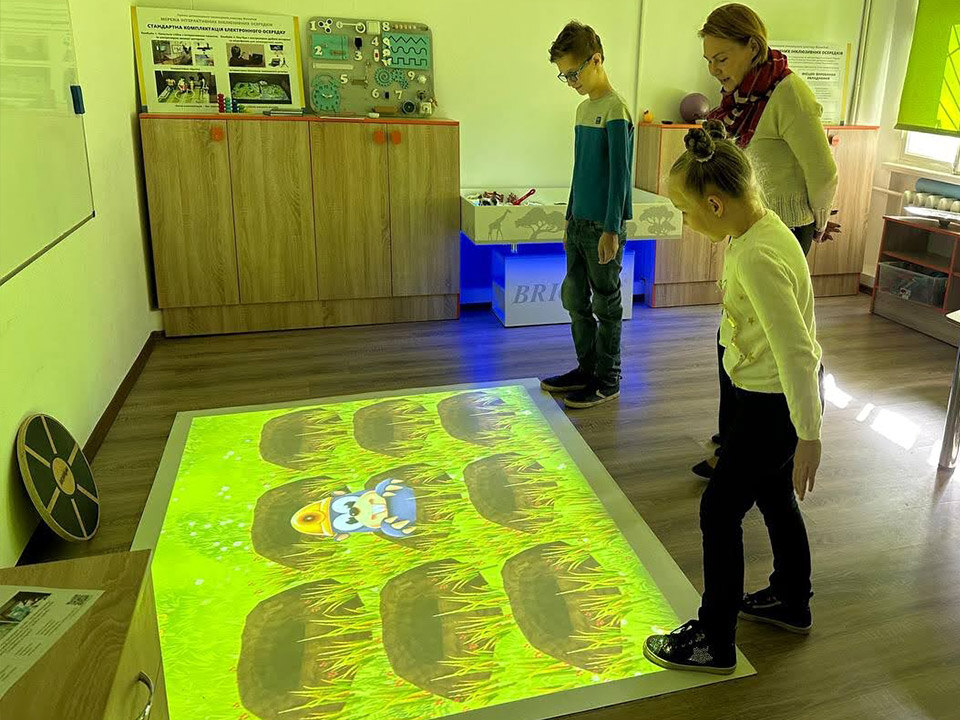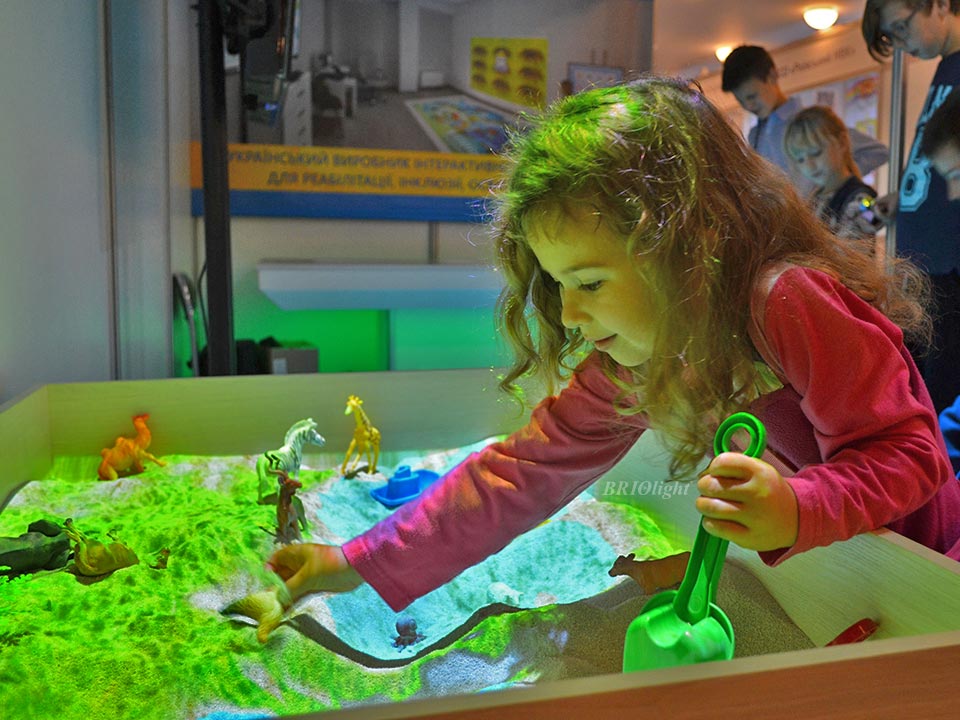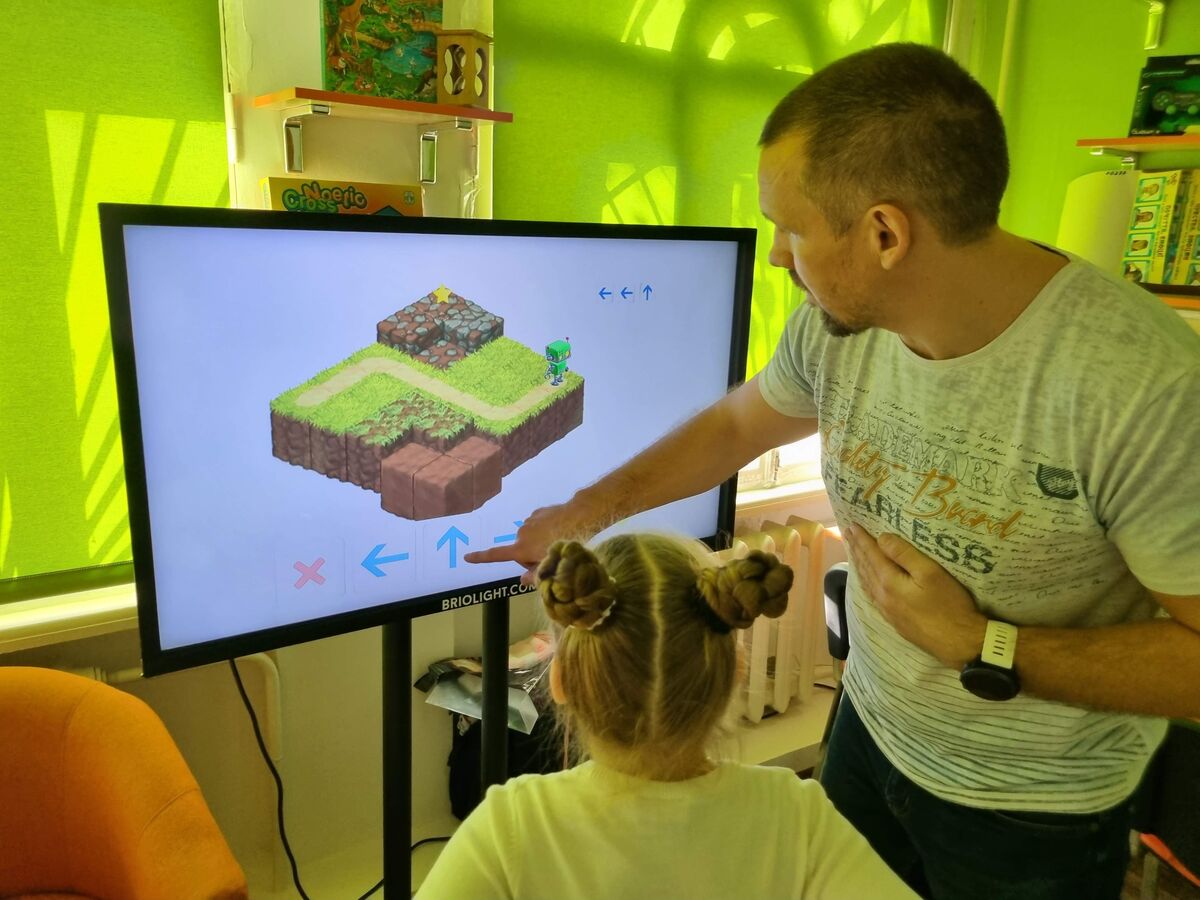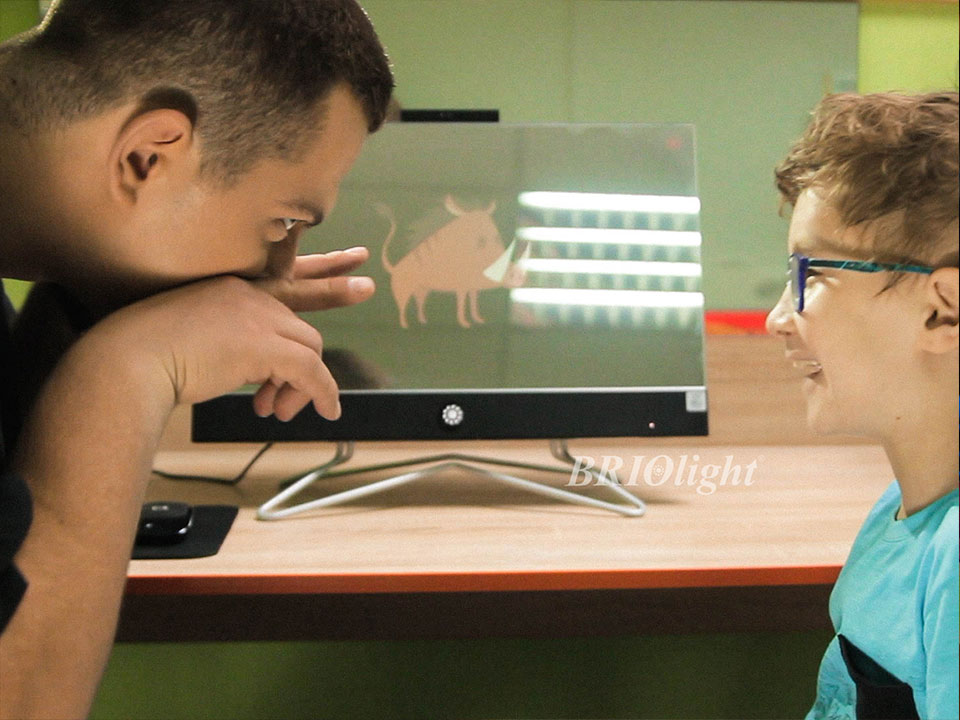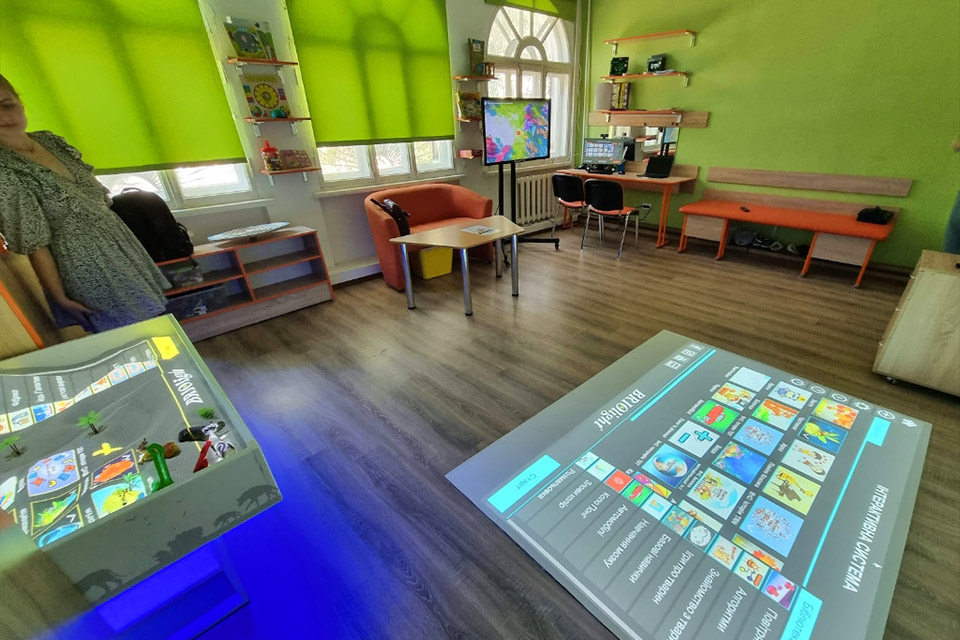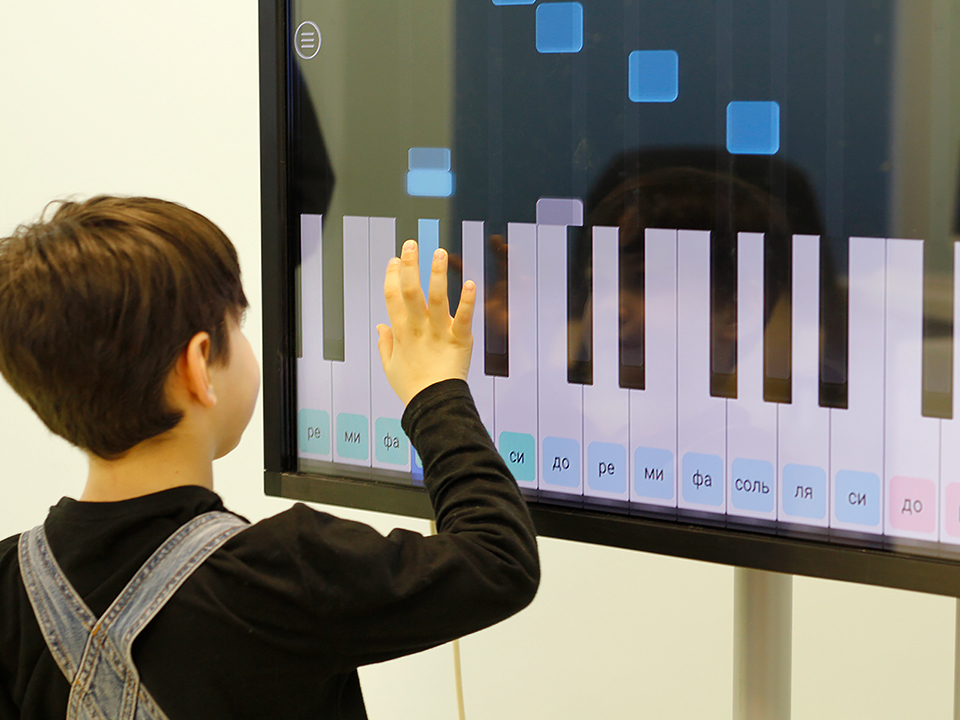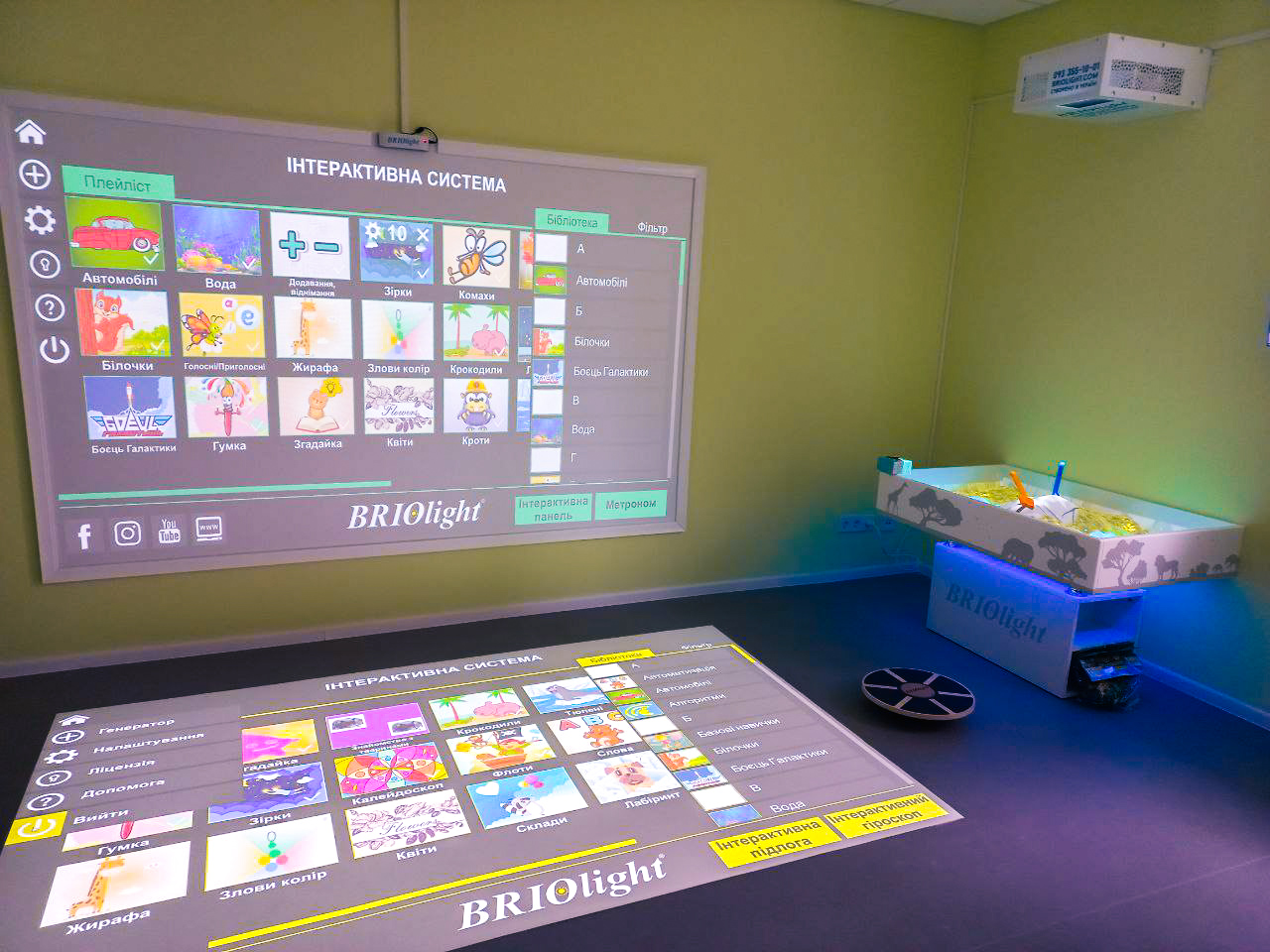

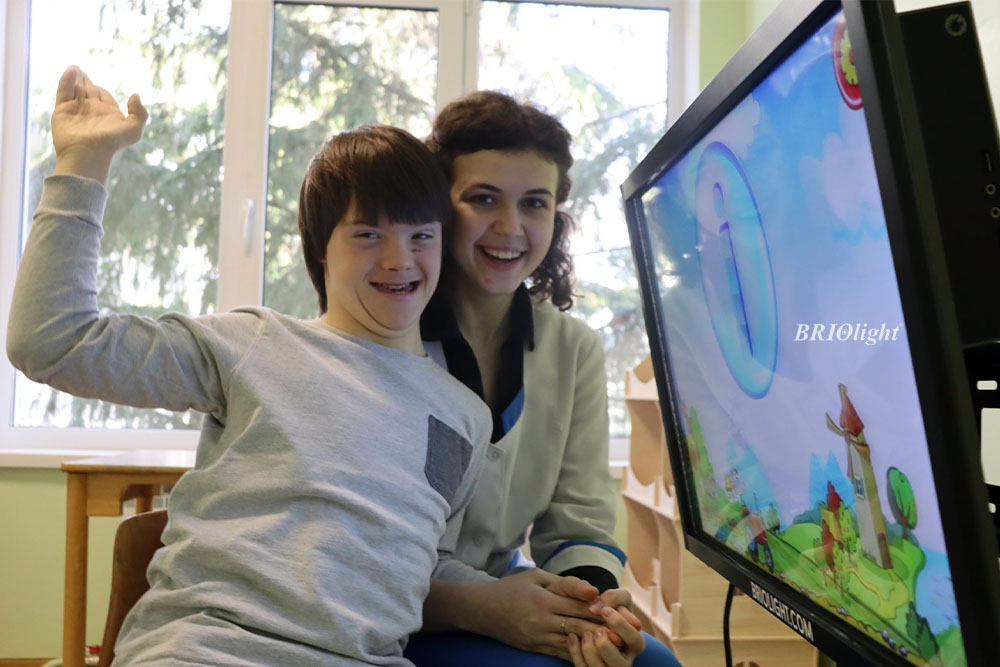
Briolight's interactive panels combined a touch screen with software for teaching, rehabilitation-related activities, presentations and other applications.
Where are they used? In schools, kindergartens, inclusive centres, offices, retail environments and presentation spaces, depending on the selected software.
What is an interactive panel? A large touch display with computer functions, historically offered with Android or Windows configurations and interactive exercises.
Why use a panel? Participants can work directly with images, questions, exercises and presentations instead of merely looking at a conventional screen.
How is it controlled? With finger touches. The historical model supported ten simultaneous touch points for collaborative work.
Can accessories be connected? Depending on configuration, the original article described laptops, microphones, balance boards and movement controllers as optional devices.
What sizes were offered? The 2020 article referred to screens with 80 cm and 108 cm diagonals.
What distinguished Briolight? The historical version discussed integrating Kinect movement sensing with panel activities. Availability must be checked for current products.
Can application languages be changed? Language support depends on whether an app was created by Briolight or a third party. Check the languages available in the installed software.
Who installs it? The historical model could be assembled by the buyer with assistance from a second person and technical support. Follow the current installation instructions and safety guidance.