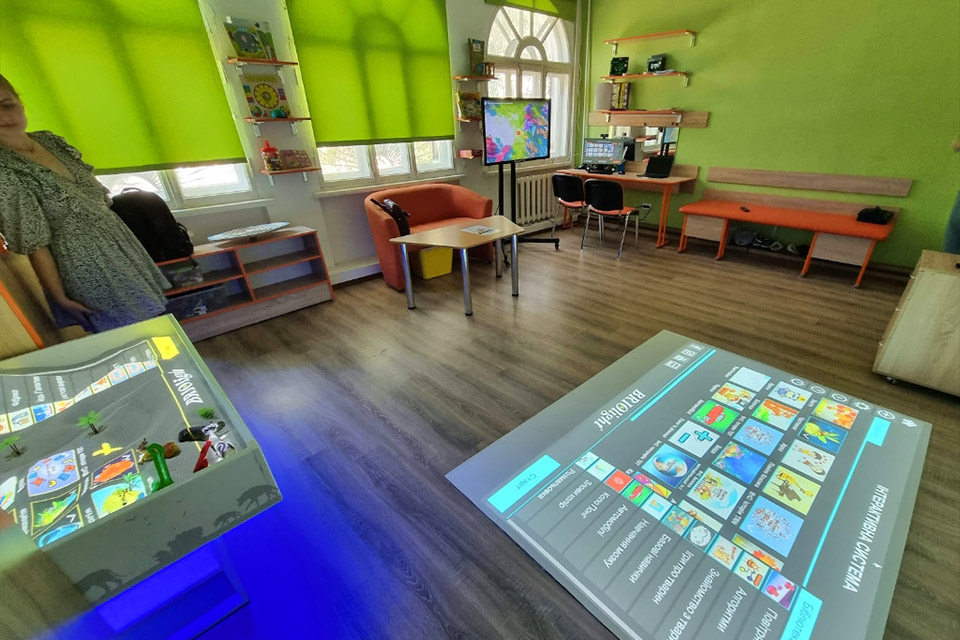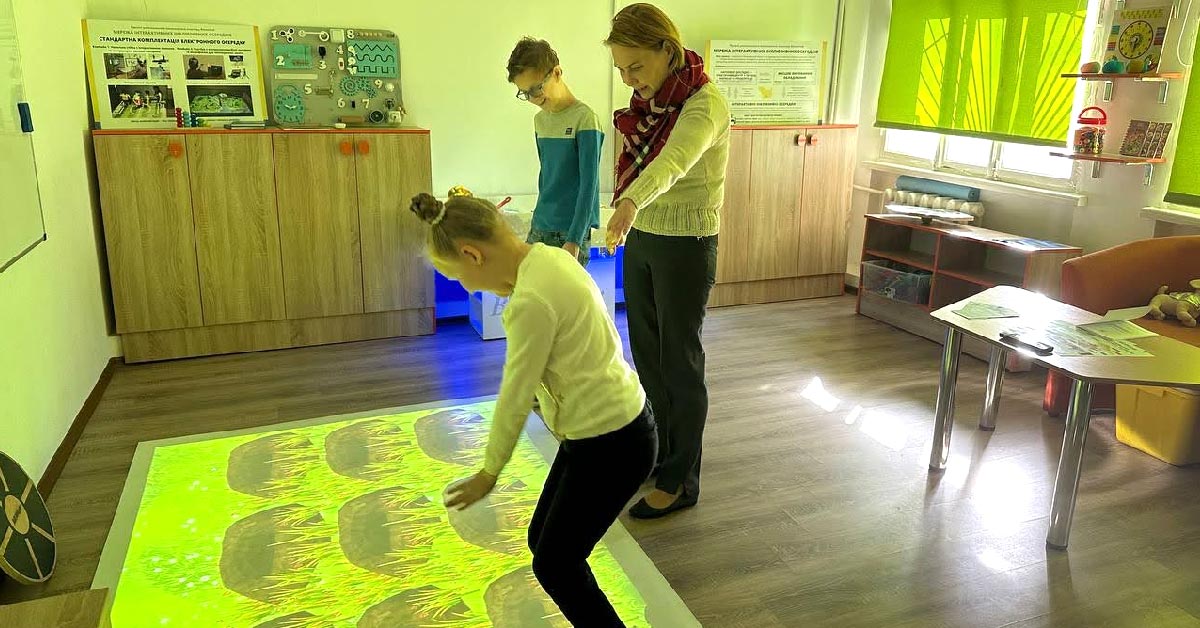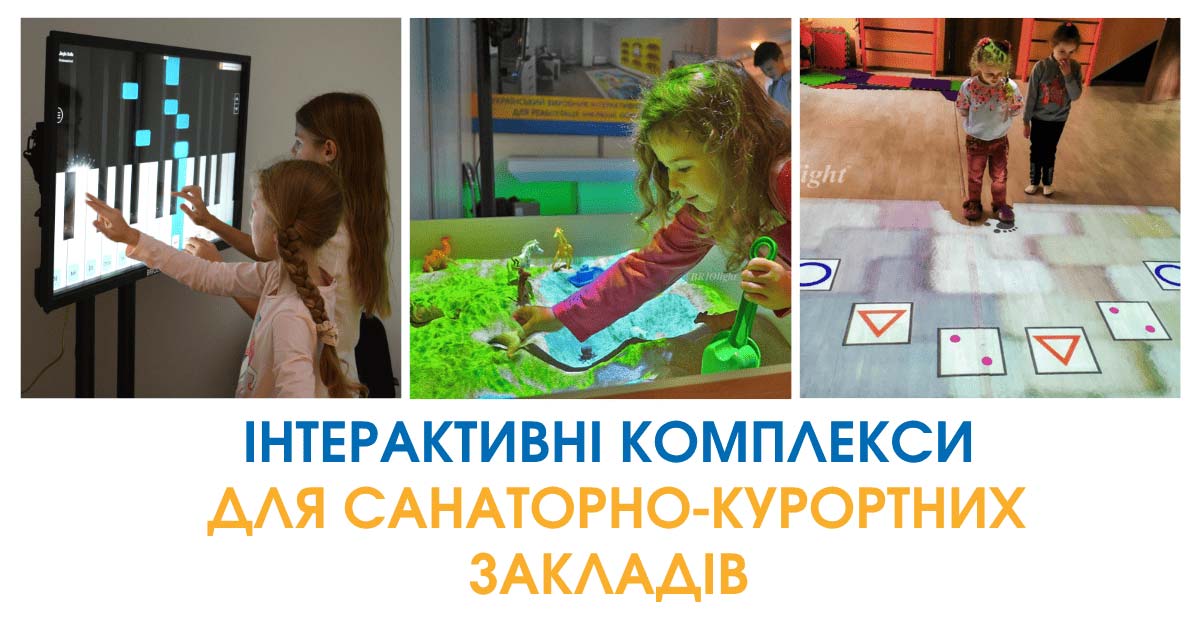



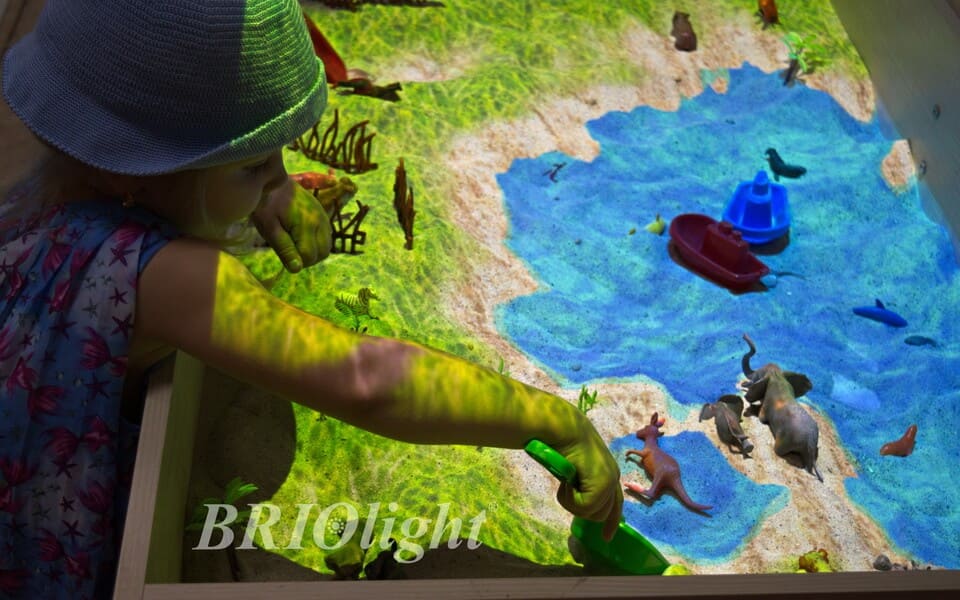
Interactive sandboxes are versatile tools for psychologists, speech therapists, special education specialists and teachers. Sandplay methods have a long history, associated with the work of child psychotherapist Margaret Lowenfeld from 1929. This article offers practical ways to make lessons with Briolight projection sandboxes more engaging.
As schools acquire new digital and interactive equipment, professionals may not always be familiar with its full capabilities. Here are observations and tips from Briolight specialists.
1. Expand the collection of figures and toys
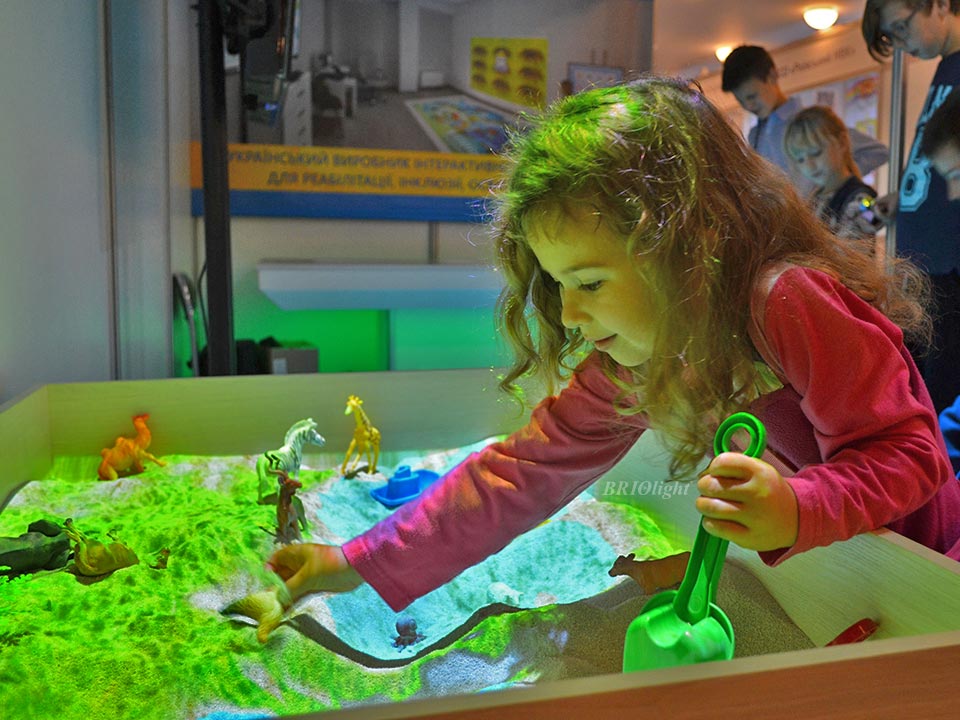
The Briolight sandbox comes with a standard toy set. Depending on the number of learners, professional field and teaching goals, specialists can add objects and create activities in geography, nature studies, history or biology.
People: figures of different ages, genders and abilities; firefighters, doctors and police officers for exploring occupations; a wheelchair-user figure so a child using a wheelchair can see themselves represented; people of different generations for family activities.
Animals: expand the wild, domestic and marine animal sets. Consider dinosaurs and fairy-tale animals. A cat in boots can introduce Puss in Boots; three pigs can bring the fairy tale to life.
Birds: migratory or region-specific birds, including penguins, eagles, hummingbirds and flamingos, for lessons about continents and seasons.
Insects: worms, beetles, butterflies and other creatures for exploring different habitats in soil, grass and air.
Marine life: starfish, crabs, crayfish, octopuses, seahorses, rays and shells to explore the oceans.
Plants: real or artificial trees, bushes, grasses and flowers, along with bark, leaves, chestnuts and seeds.
Buildings: at least one house figure. A psychologist can ask where a house belongs in the child's imaginary world, without assuming that a particular choice has a fixed diagnostic meaning.
Transport: toy cars, aircraft and other vehicles. Extra accessories: beads, pebbles and small shovels.
2. Control dust
When many children use the sandbox, the original article recommends gently misting quartz sand with water to reduce airborne dust. Follow the manufacturer's current care and material-safety instructions, and avoid saturating the sand or wetting the housing and electronics.
3. Explain the rules through play
Before starting, teach children not to throw sand, put it in their eyes or mouth, or scatter it beyond the sandbox. Explain the rules positively, for example by describing the sandbox as the sand's home, and choose activities that help each child follow the rules.
4. Explore additional software modes
At the end of 2020, Briolight planned to expand sandbox software with selected interactive-floor effects and up to ten new specialist modes such as Volcano, Cities and Day–Night. These can be used for geography, history and other learning activities. Check current features against the model's specification.
5. Read additional guidance
Other Briolight materials explore interactive sandbox games, sand therapy and ways to adapt activities for different ages and objectives.
Contact the Briolight team: +38 (063) 258-15-15 or +38 (063) 103-35-35.