
How to use an interactive panel for online lessons and presentations.
When meeting in person is not possible, video communication lets participants see facial expressions and gestures as well as hear one another. It can make remote teaching and collaboration more engaging.
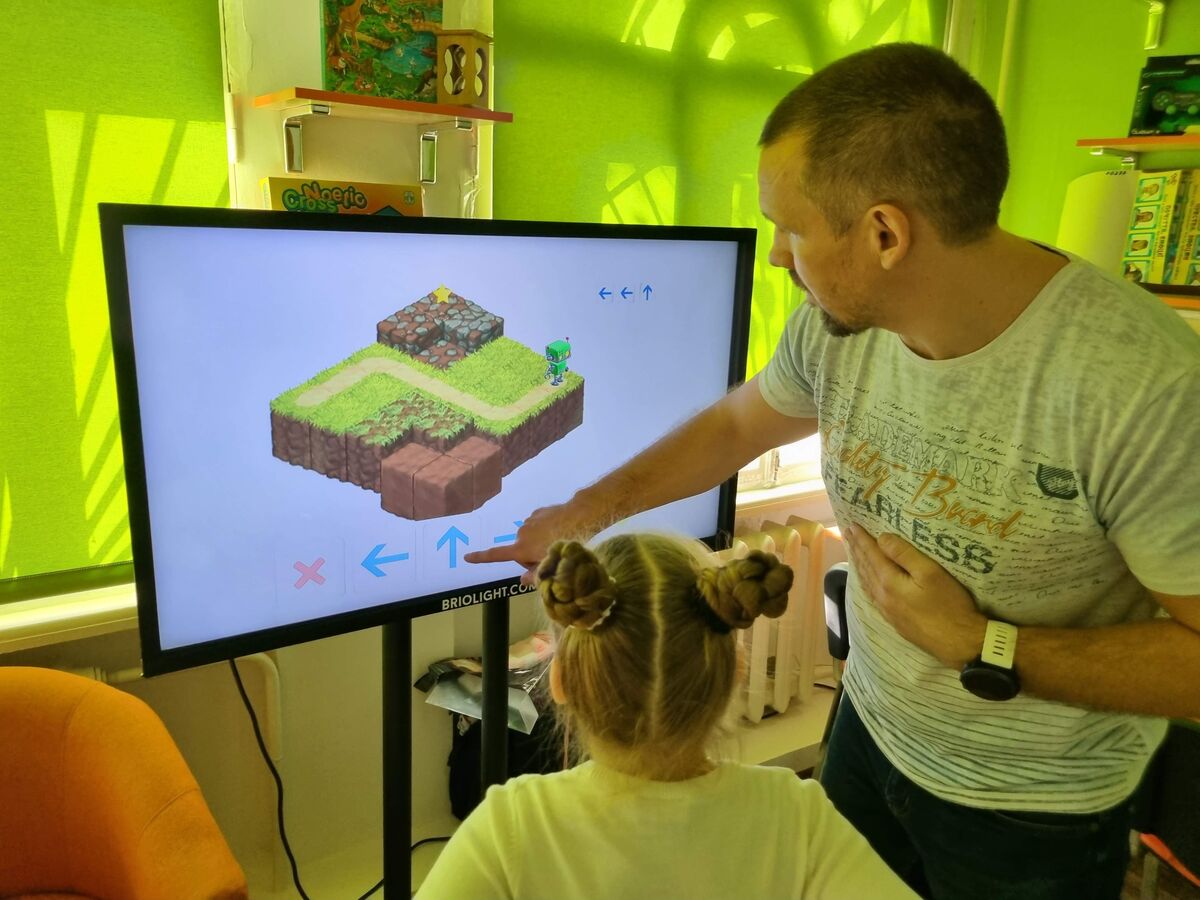
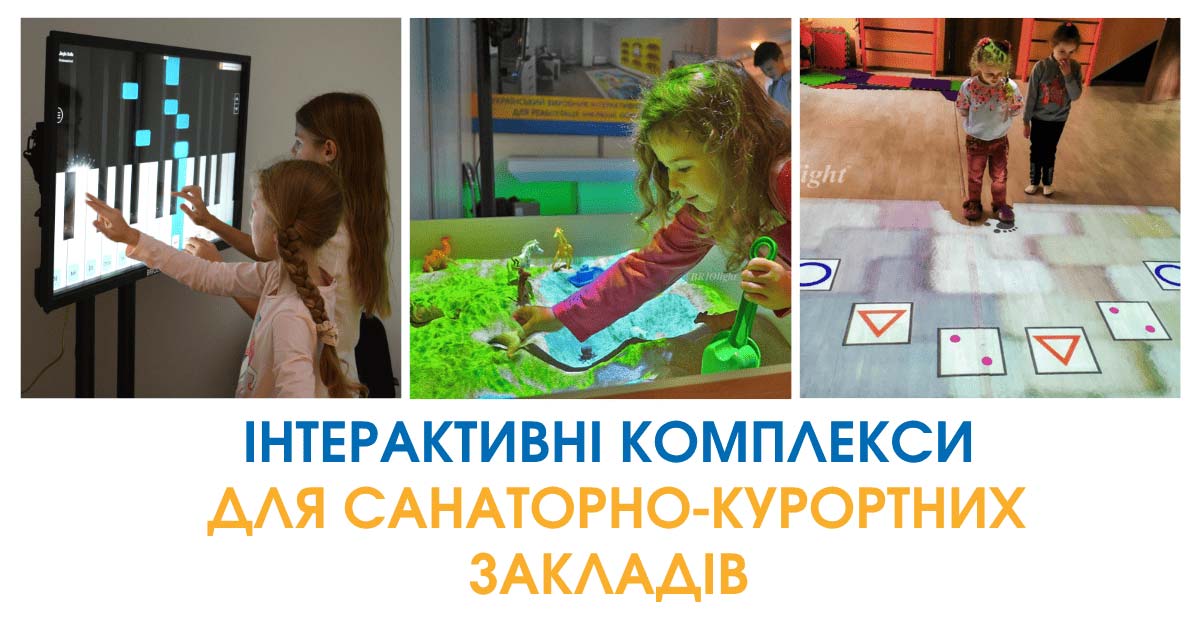
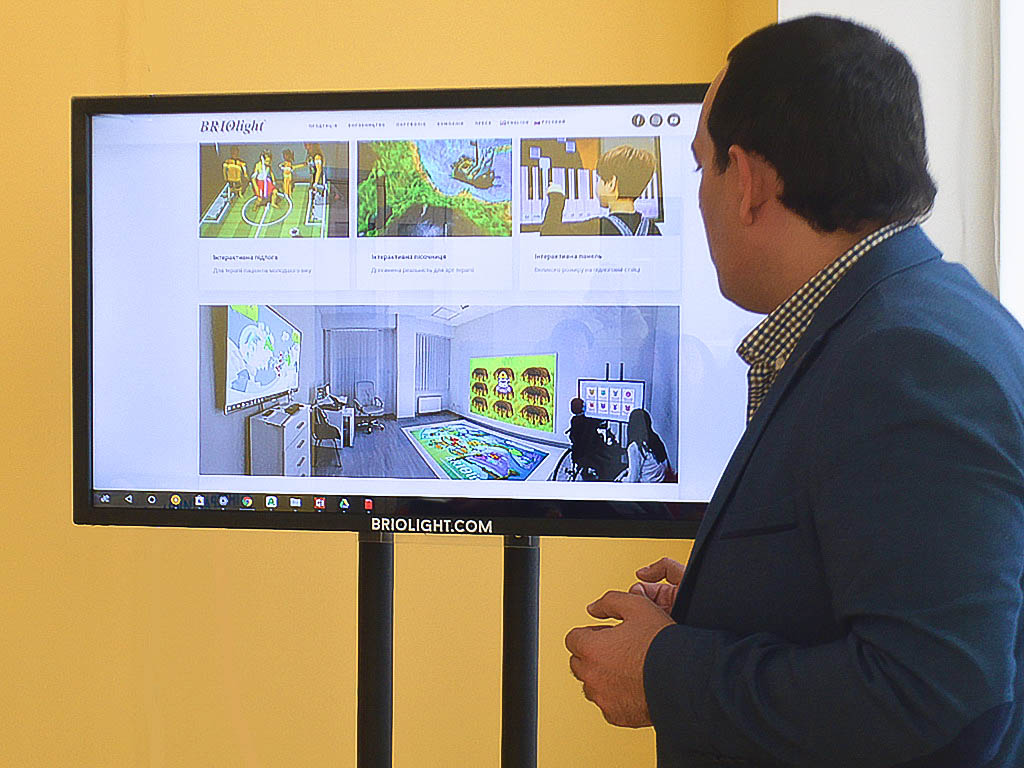
A Briolight interactive panel can be used for remote communication, video conferences and online presentations.
Depending on the model and configuration, peripherals such as cameras, keyboards, mice, graphics tablets and microphones can be connected to the panel.
With a camera and compatible conferencing software, teachers can present lessons remotely and organisations can hold online meetings.
A large touch display makes it possible to show shared materials during a call and invite participants in the room to interact with them. The original article mentioned support for up to ten simultaneous touches; verify this against the specification of the current model.
Compared with smaller screens, an interactive panel provides a large display for group viewing. Mobility and installation requirements depend on the selected stand and equipment.
Wall mounting can save floor space, while a mobile stand allows the panel to move between classrooms, offices or exhibition areas.
For model details and connectivity options, contact the Briolight team.
Contact: +38 (063) 258-15-15, +38 (063) 103-35-35.