


Schools increasingly place high expectations on children's knowledge and skills when they enter formal education. Traditional preschool methods alone may not address every need, so many families also consider clubs, extra classes and multimedia learning approaches.
How can a kindergarten prepare children for school while making them enthusiastic about attending? Briolight interactive equipment offers additional ways to engage children.
Interactive preschool activities are designed so all children can participate and influence the learning experience. Practical participation and communication are particularly important for children's development.
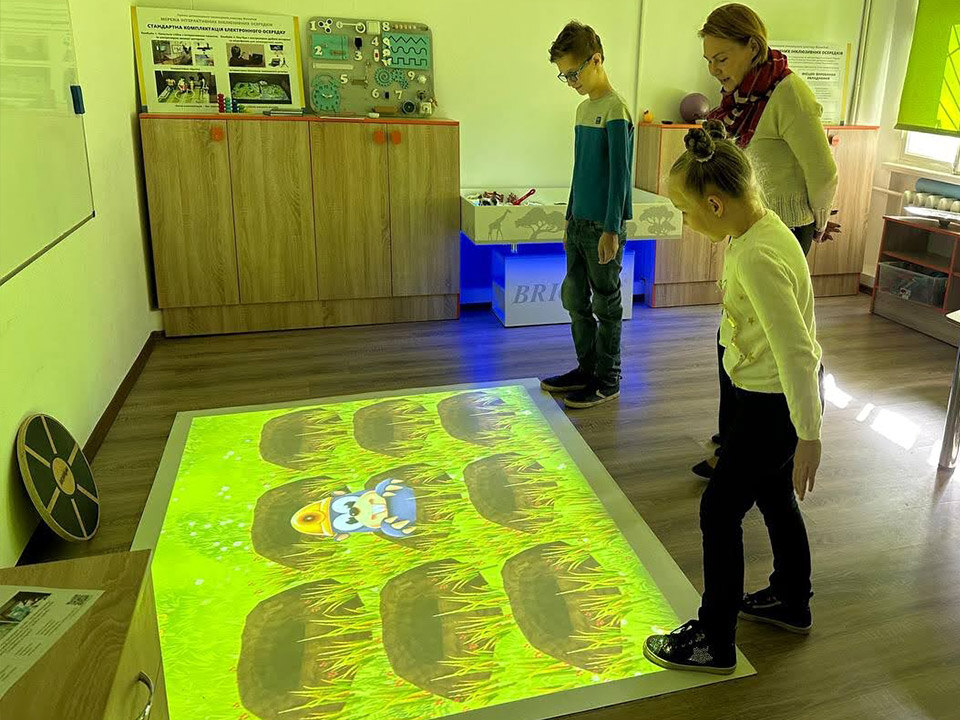
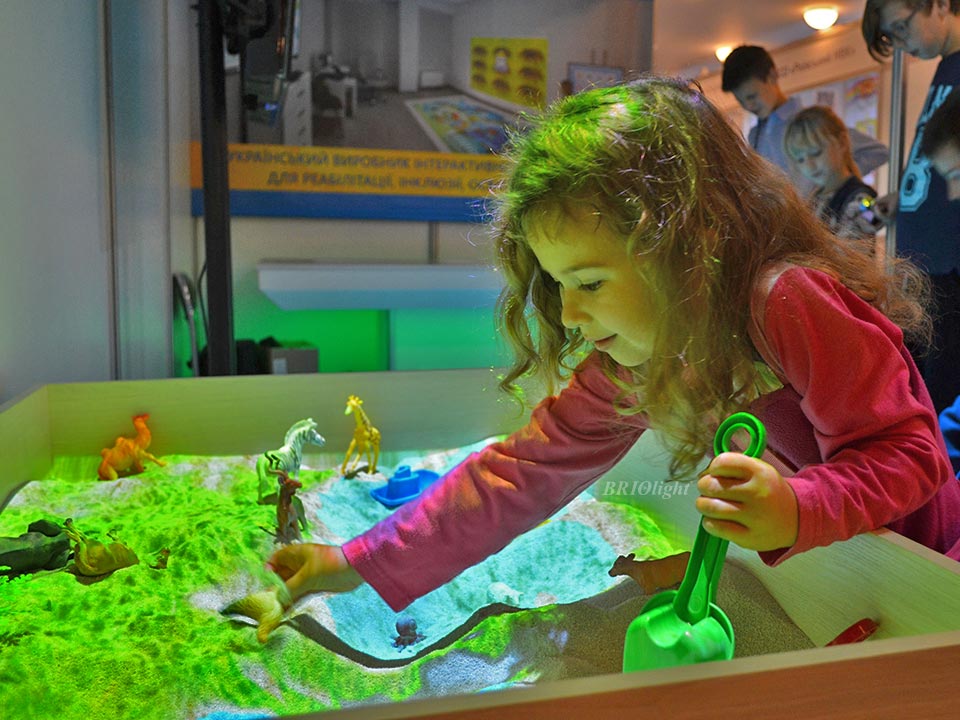
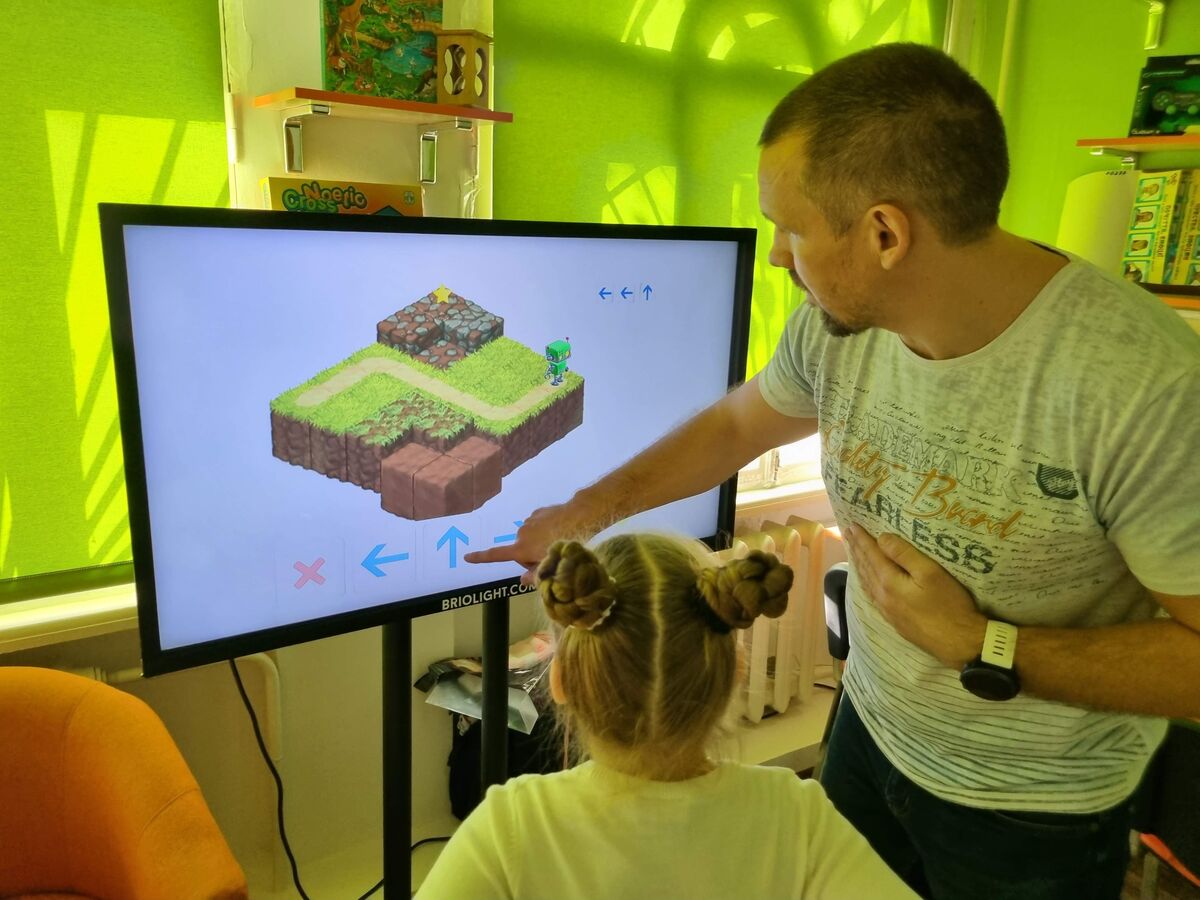
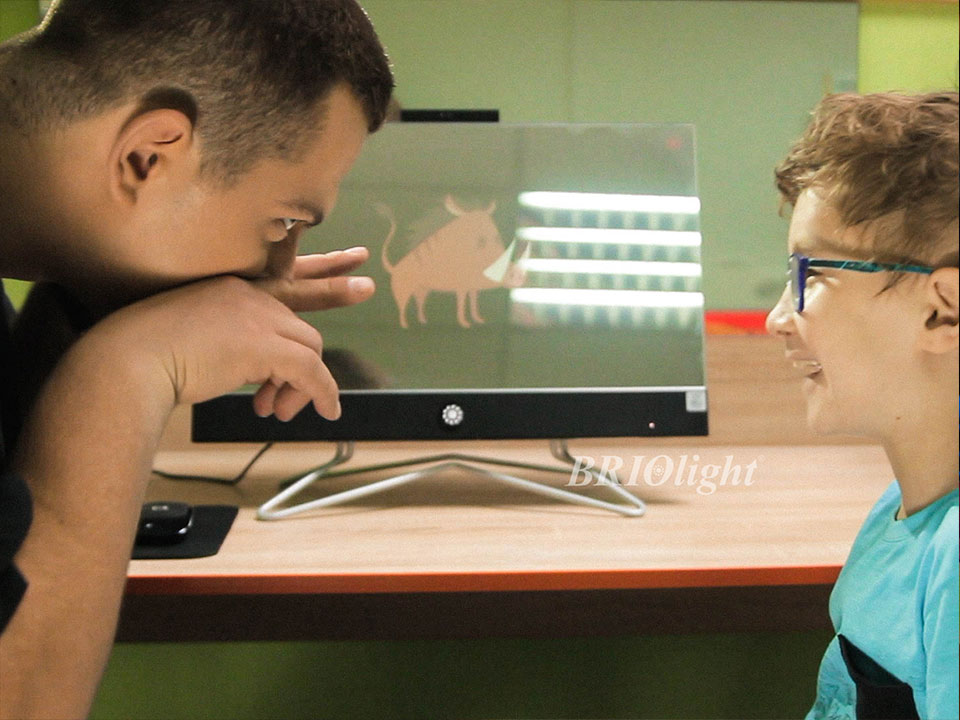
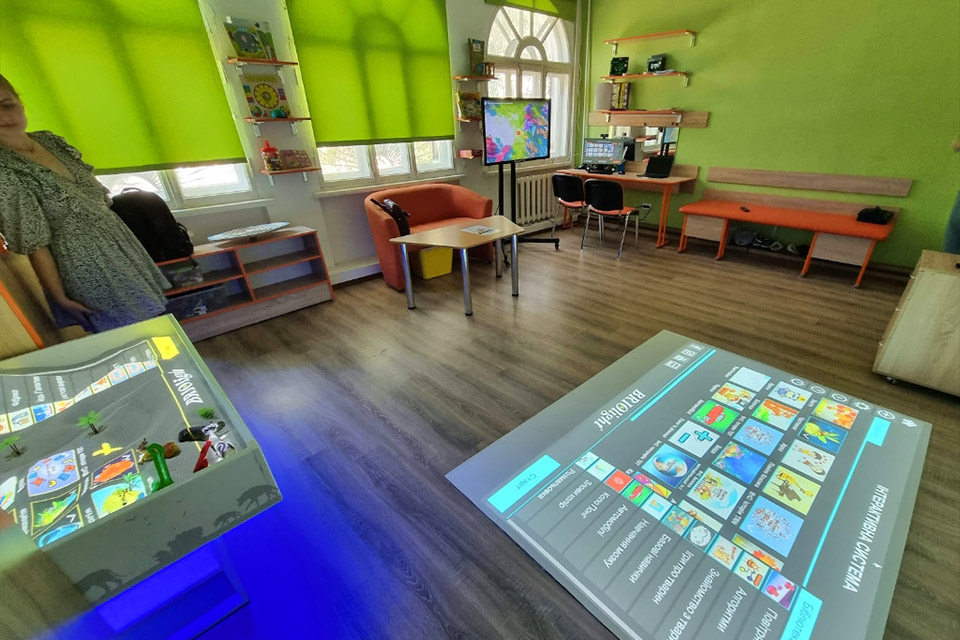
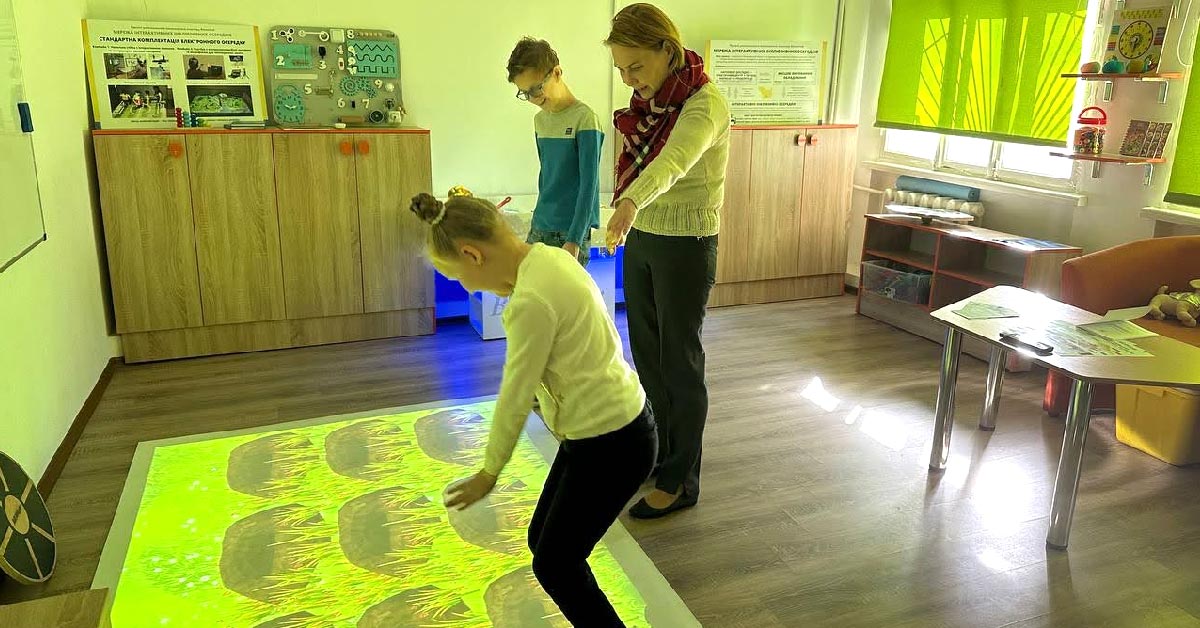
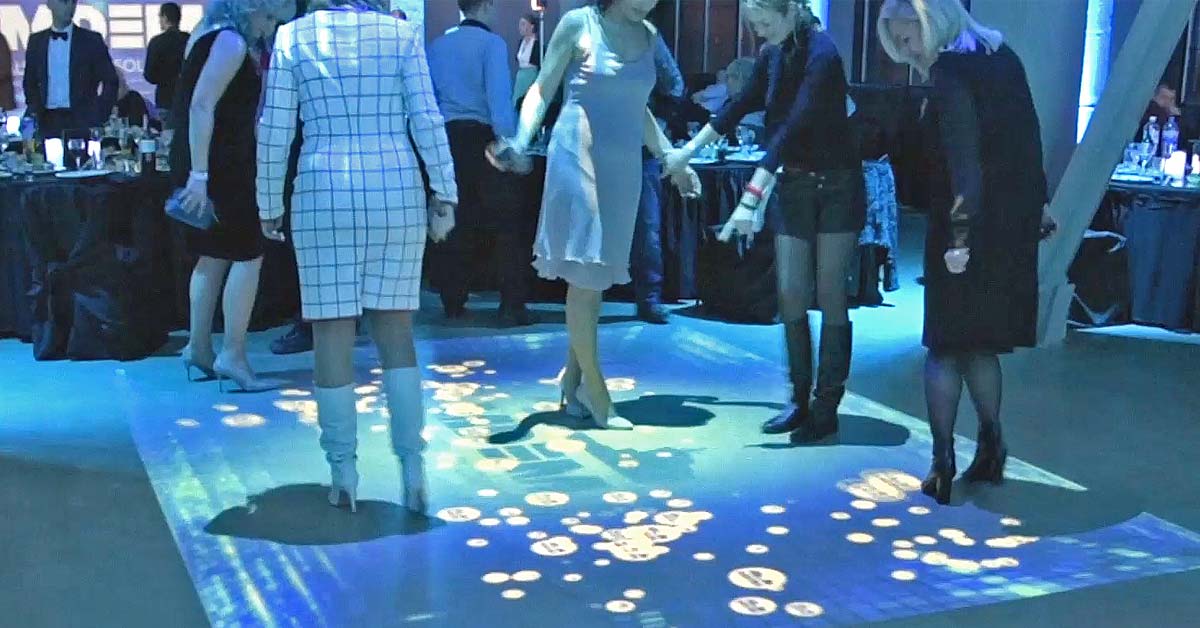
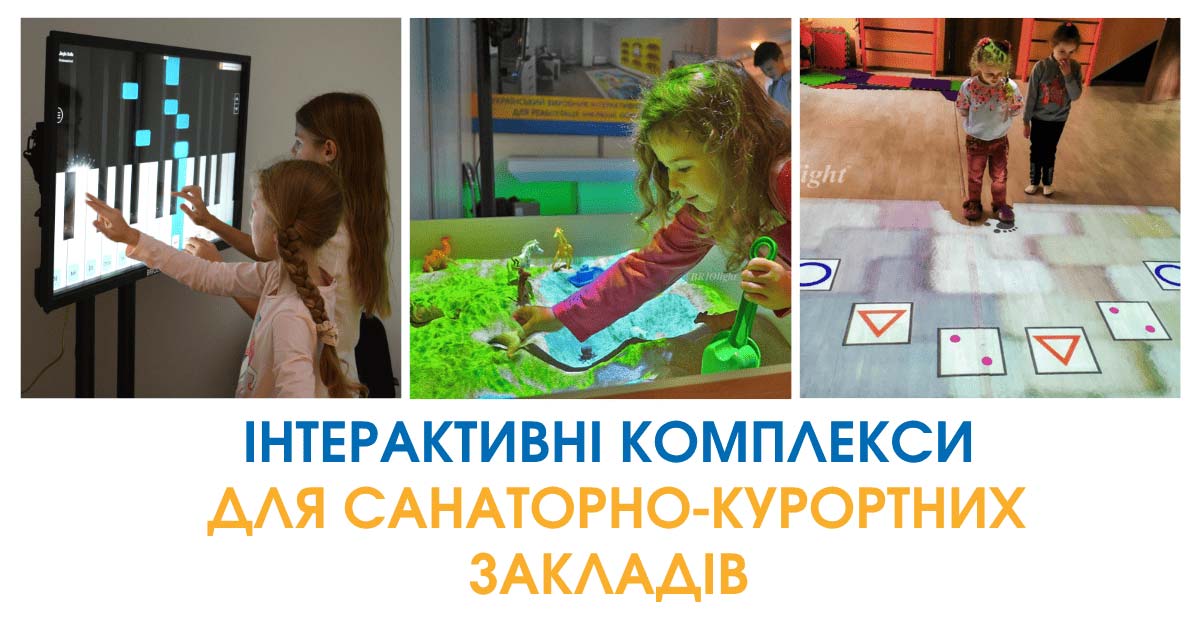
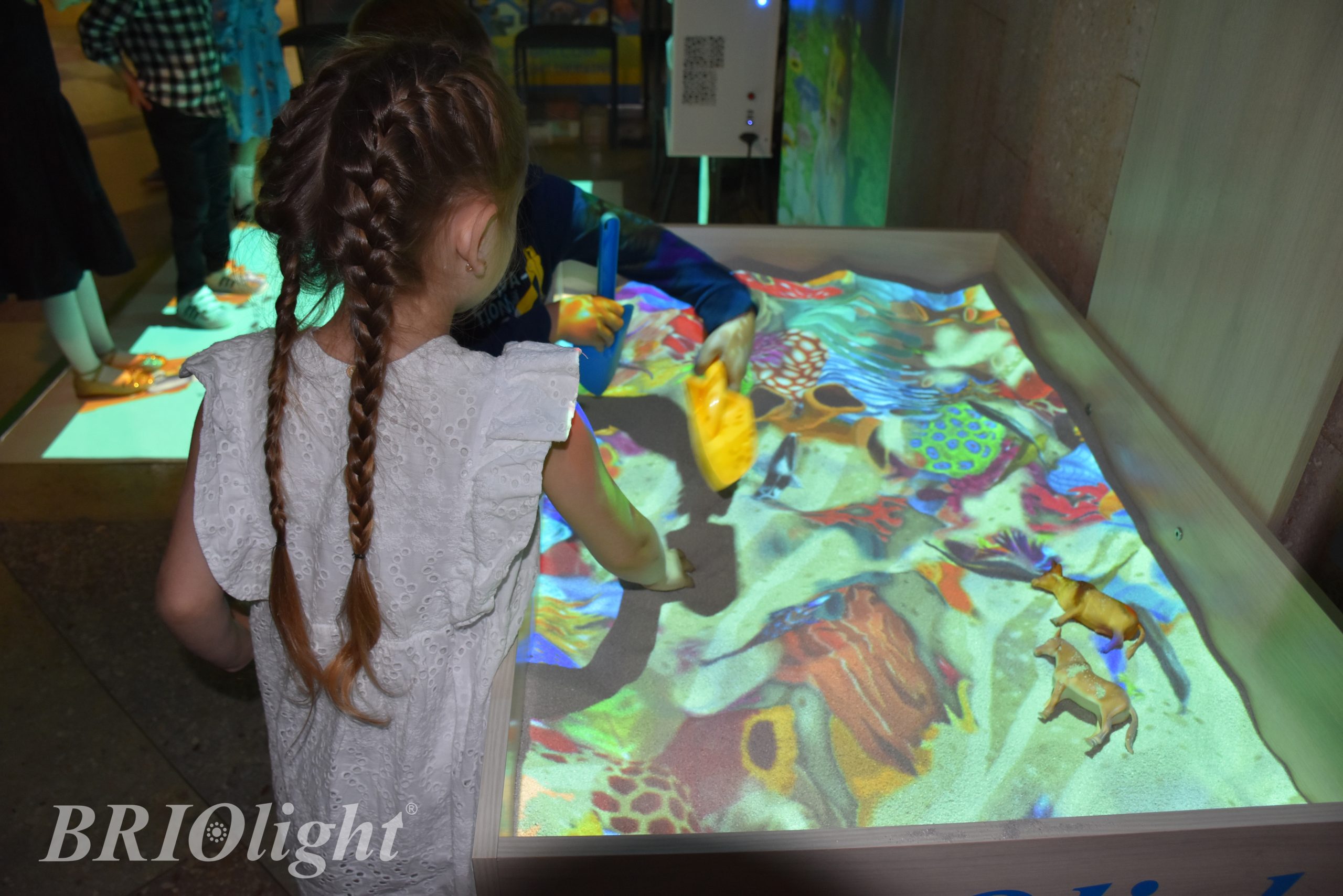
Educators can create a cooperative atmosphere in which children work with one another and with adults. Briolight interactive systems include a projection floor, augmented-reality sandbox, multi-touch panel, developmental table, interactive mirror with audio and video recording, and other equipment.
Interactive activities can be organised in four formats:
- Individual: each child completes a task independently, for example with an interactive speech therapy mirror.
- Pairs: two children cooperate on an interactive floor activity.
- Small groups: children work in teams, for example around an interactive panel.
- Whole group: all participants take part at once, for example around the interactive sandbox.
The educator's task is to select the appropriate format for the group, the available equipment and the objectives of the session. Outcomes depend on the educator's skills and the institution's resources.
Benefits of Briolight technologies in preschool education:
- Professional tools developed with practising psychologists, including those who work with children with special educational needs.
- Difficulty levels (easy, normal, hard) and individual adjustments suited to the child's age.
- A large library of activities organised with “Filter” and “Session Generator” features.
- Opportunities to present stories, film excerpts and original presentations using the display or projection.
- Clear, visual learning materials that preschoolers can understand.
- Bright colours and imagery that help attract attention and practise visual memory.
- Individual folders for children, groups or lesson topics to support differentiated learning.
- Accessible, compact and engaging content that can improve interest and motivation.
- Alternating thinking tasks with movement and providing activities for relaxation with sound or imagery.
- Additional visual support to help children understand and practise learning materials.
Using multimedia and interactive technologies can expand preschool teaching methods, make learning more visual and support educators in organising sessions.
Children can practise communication, cooperation, expressing their opinions, observation, creativity and imagination. These activities can complement their preparation for school.