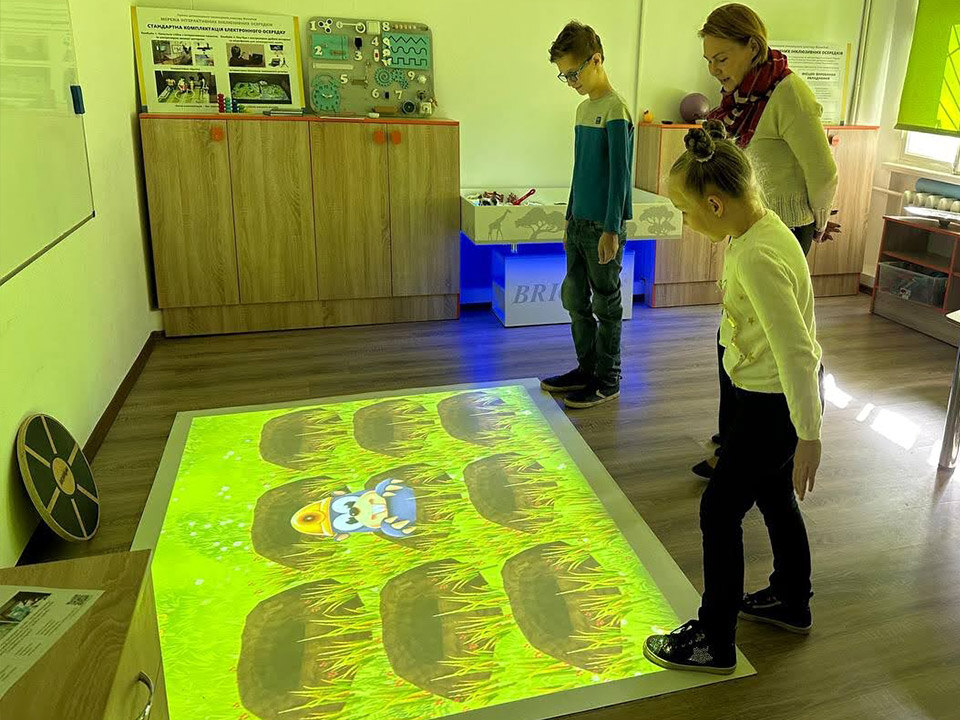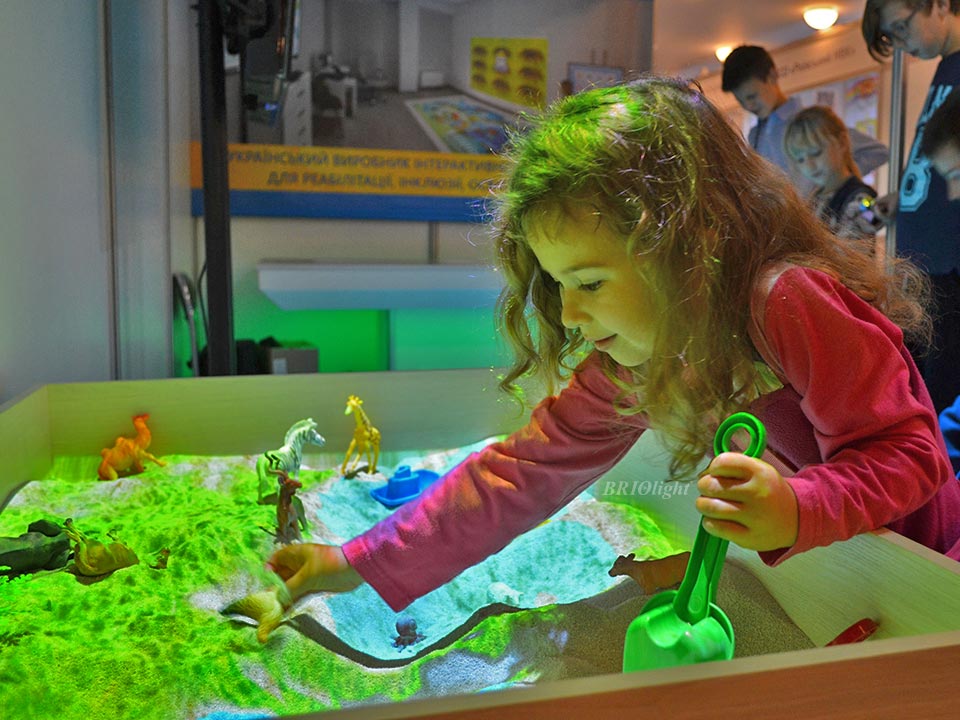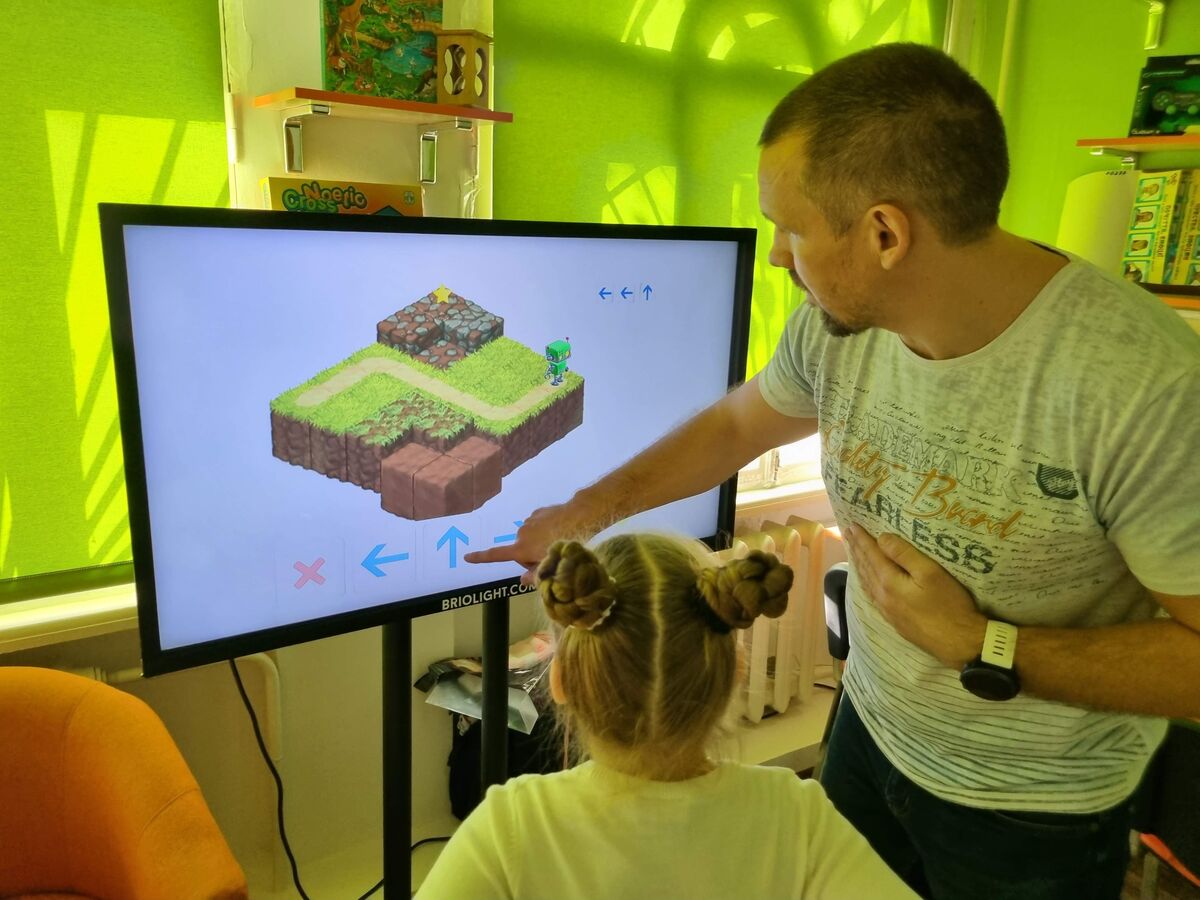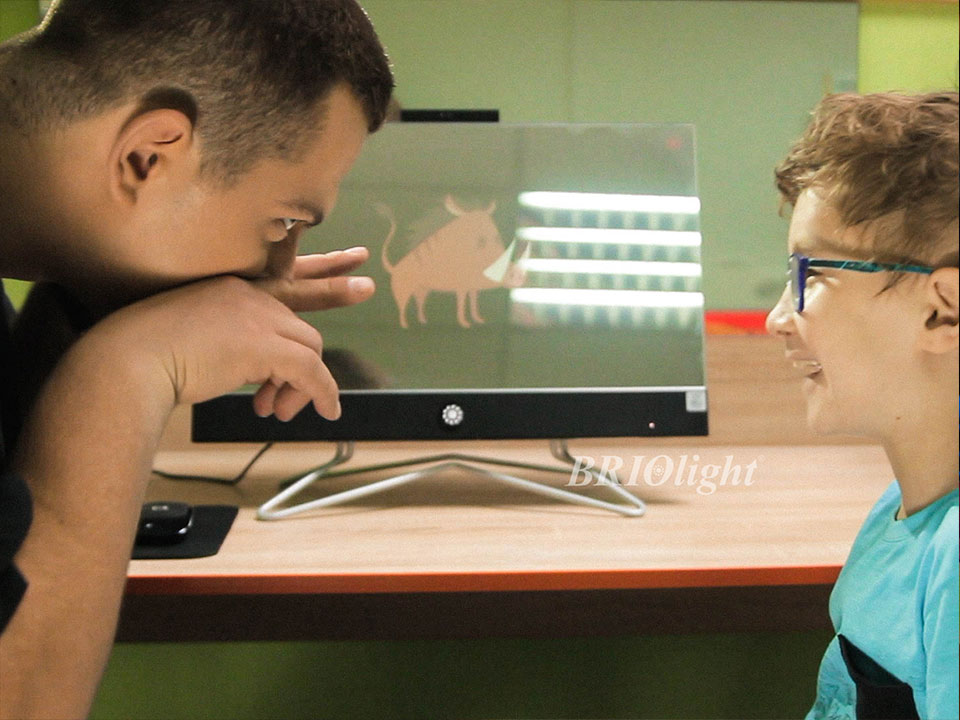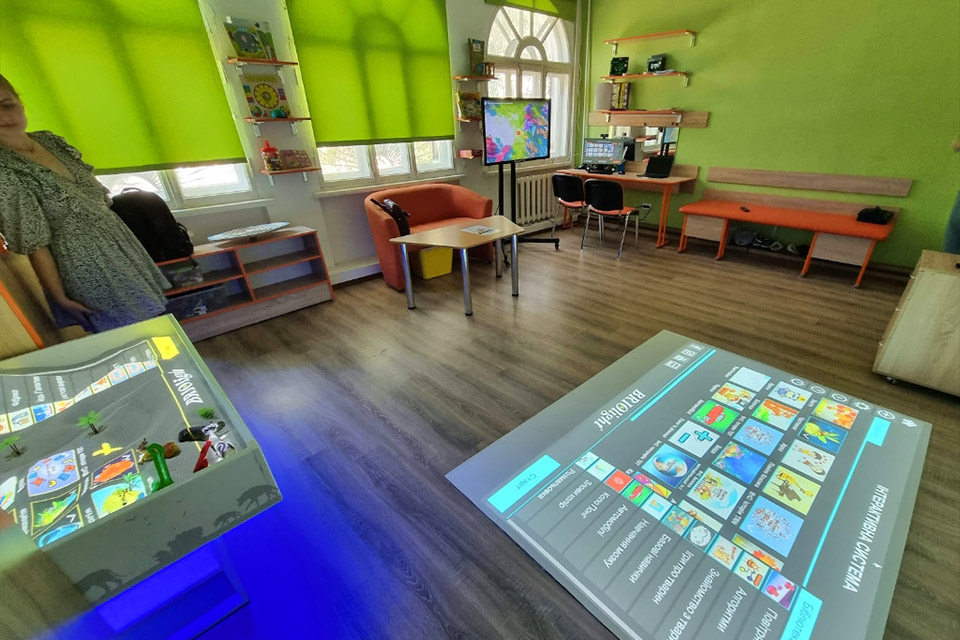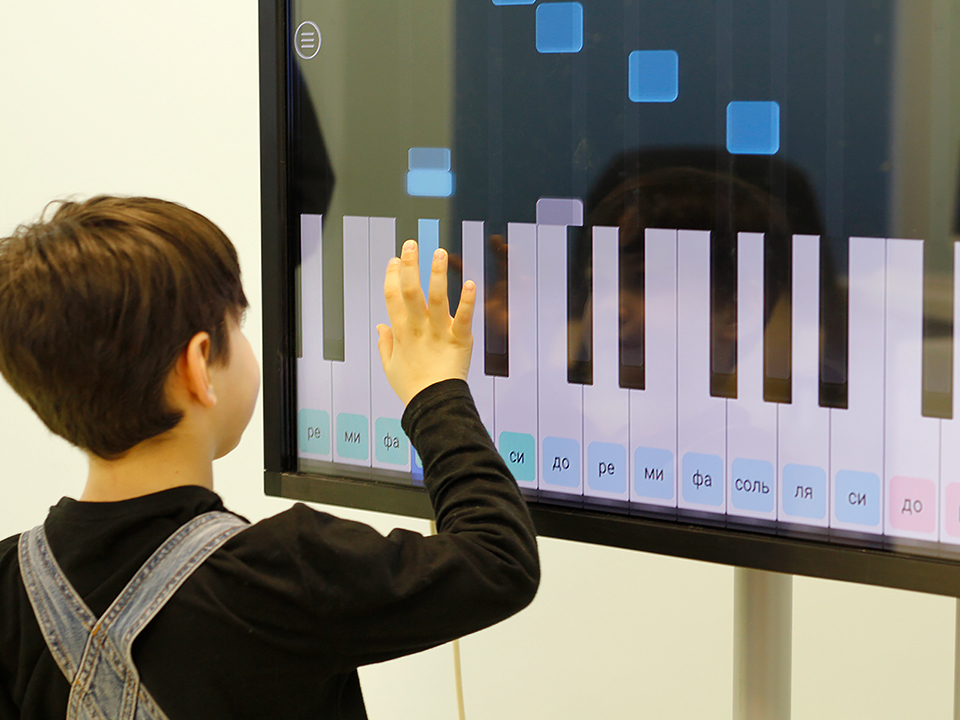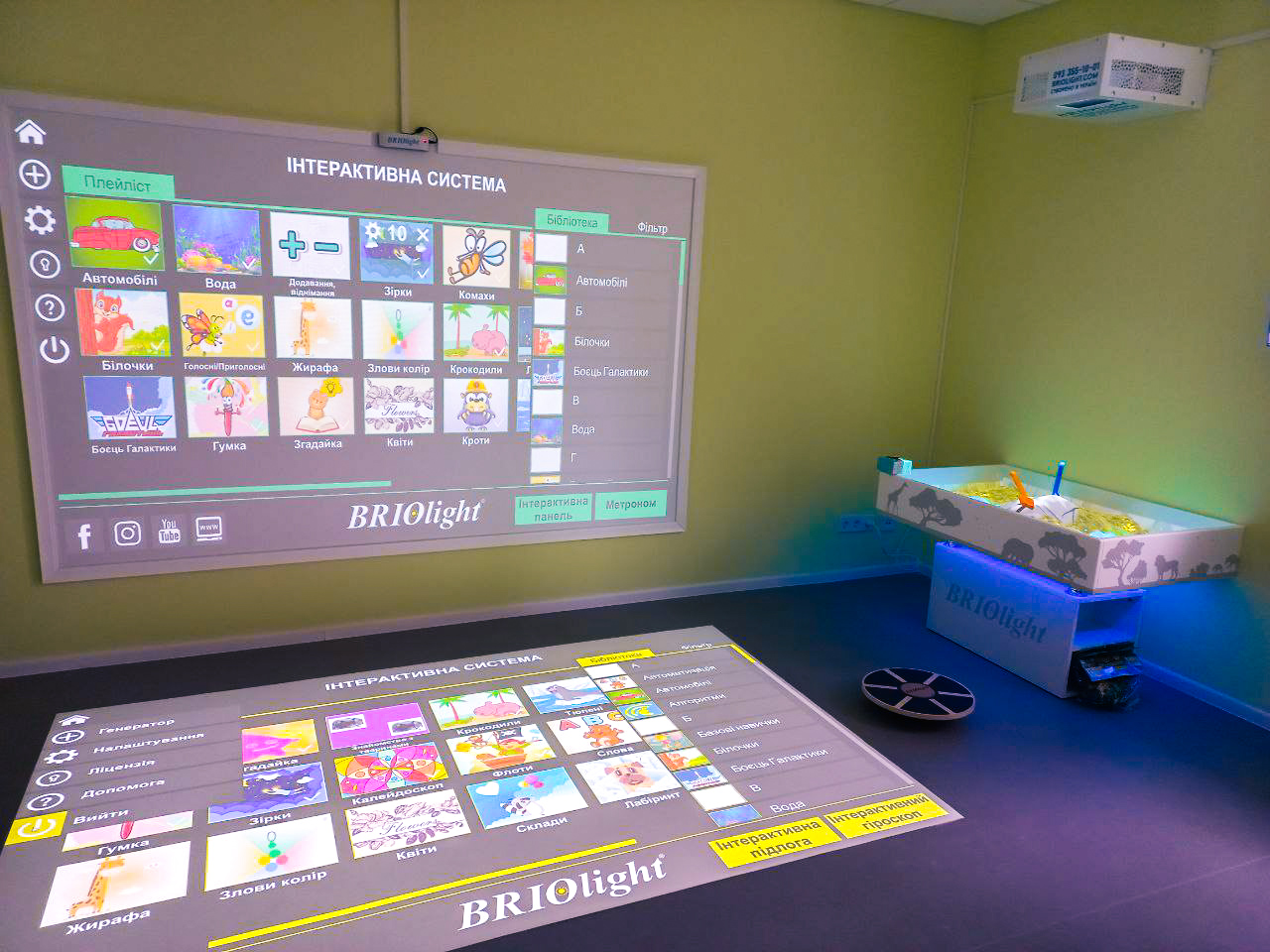

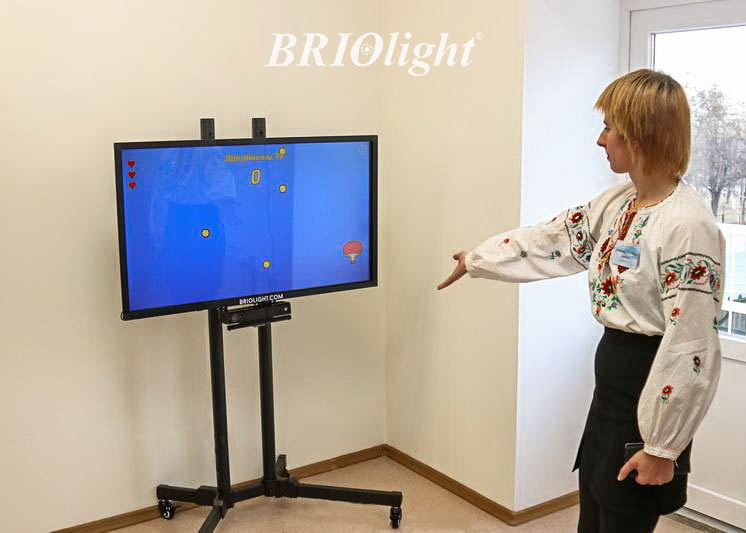
The Briolight interactive panel is a touch-enabled display and computer. Alongside Briolight's educational and developmental software, it can perform a wide variety of tasks.
- Online meetings and distance learning: video conferences, online lessons and business presentations with appropriate peripherals.
- Gross motor skill module: the panel could be supplied with an additional movement-tracking system, useful for specialist activities in Inclusive Resource Centres.
- New applications: compatible paid and free educational programmes can be installed, subject to the software platform.
- Size options: the original standard models were intended for close-range activities with children, but customised larger screens could be requested.
- Individual developmental activities: specialists can use touch control for children from approximately age three, including professionally guided activities for motor, cognitive and communication development. The original configuration supported up to ten simultaneous touches.
- Multimedia display: the panel can show internet resources, YouTube videos, files from USB drives and presentations, combining functions of a television, computer and classroom board.
- Active learning: touching and manipulating content encourages participation rather than only listening to explanations.
The equipment is a tool for professionals, not a replacement for individual assessment or rehabilitation planning.
Contact +38 (063) 258-15-15 or +38 (063) 103-35-35.