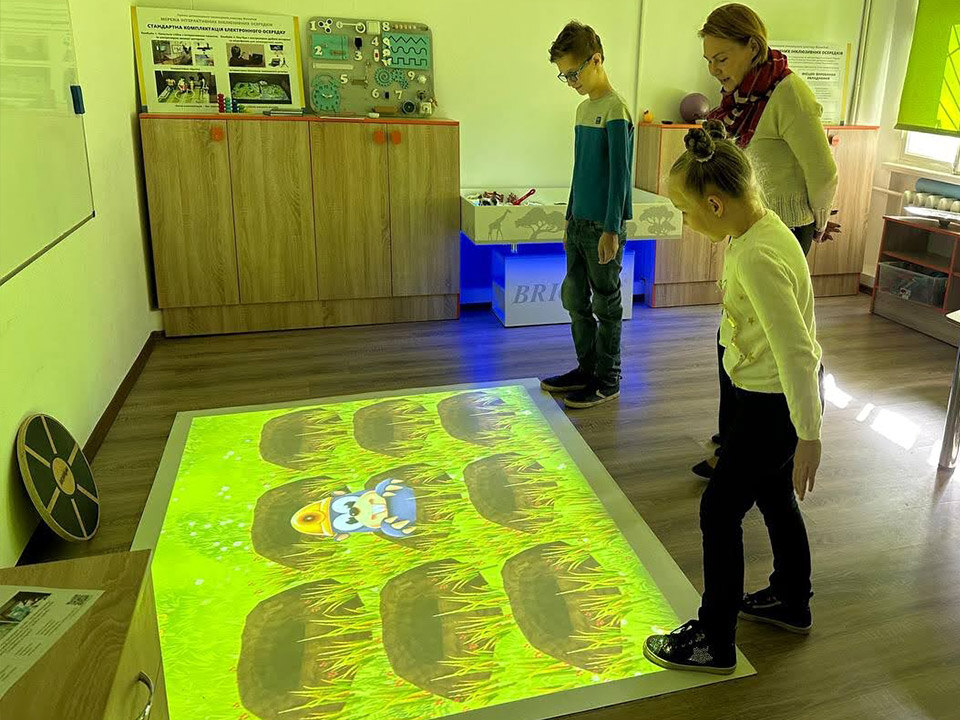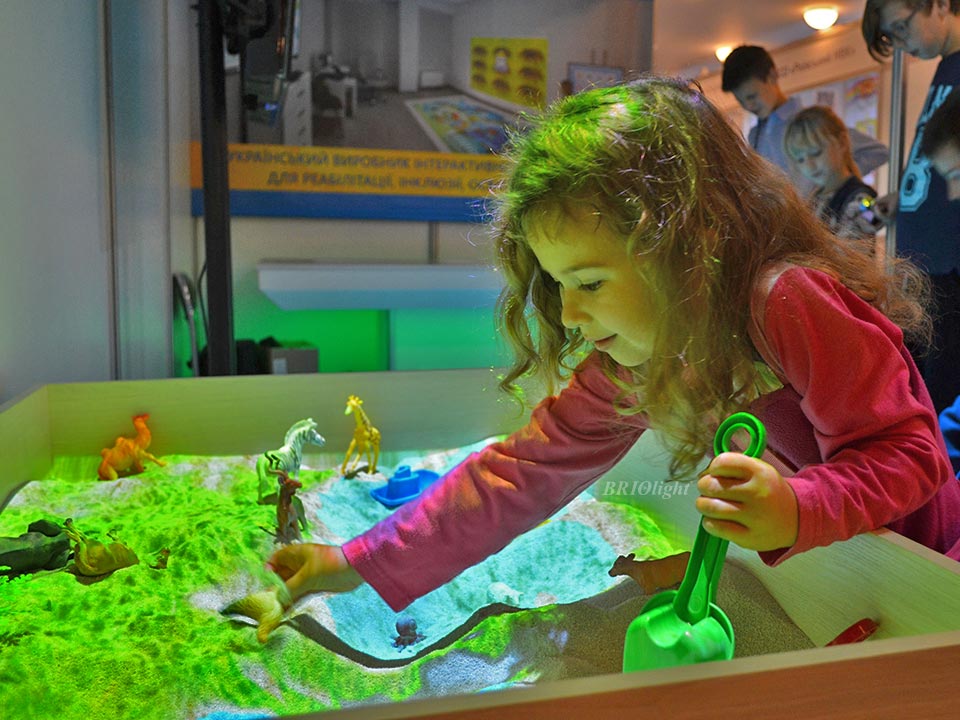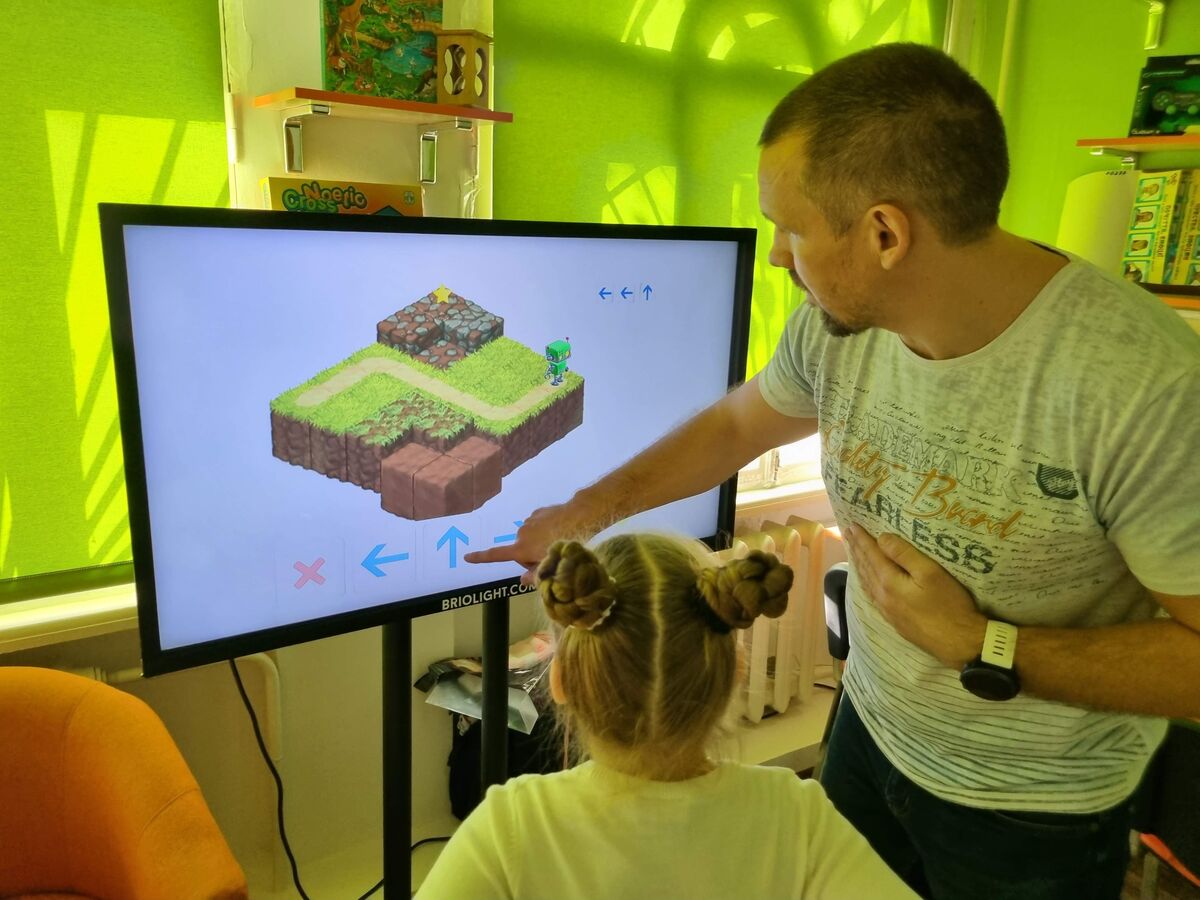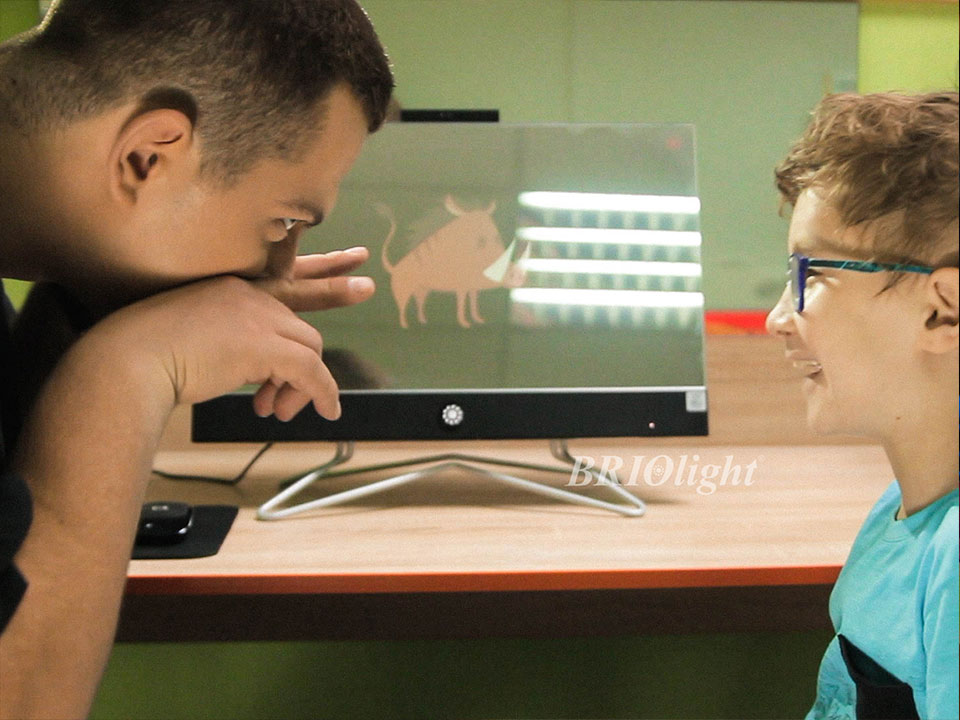


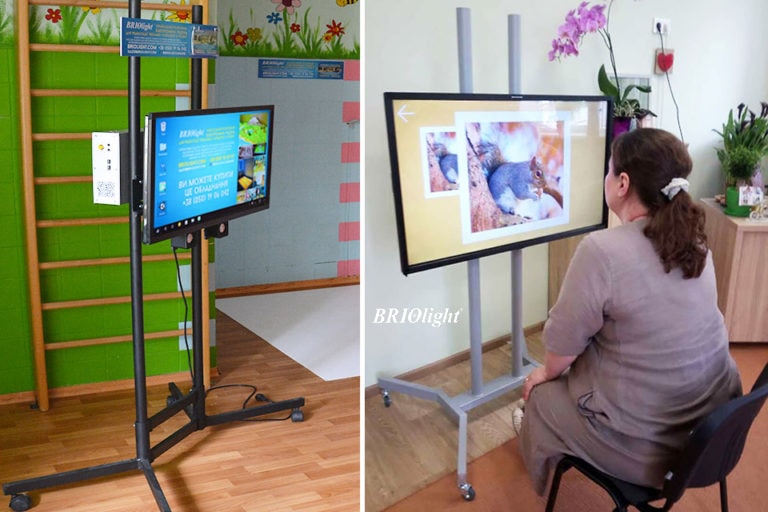
Interactive panels differ in display size, software, operating system, mobility and available accessories. The best choice depends on the audience and type of activities.
Consider who will use it. Preschool children, primary-school pupils, teenagers and adults may need different viewing distances, interface sizes, working heights and software.
Select the display size. The historical Briolight line included screen diagonals of approximately 81 cm and 108 cm. Small groups may find a compact display sufficient; larger groups require a viewing-size assessment.
Think about mobility. A wheeled floor stand enables use in several rooms, while a secure wall mount may suit a dedicated classroom. Check access, stability and accessibility.
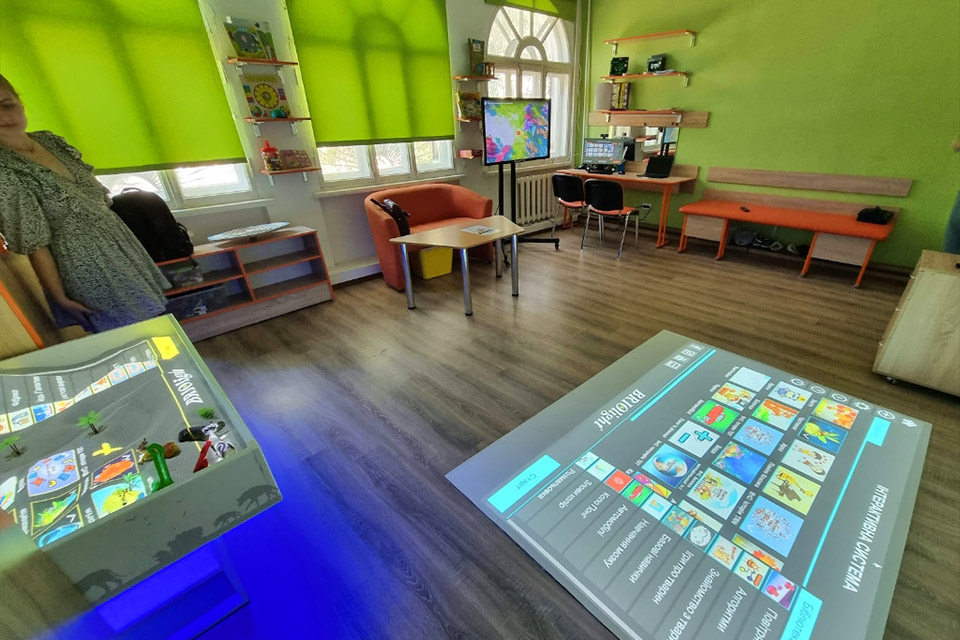
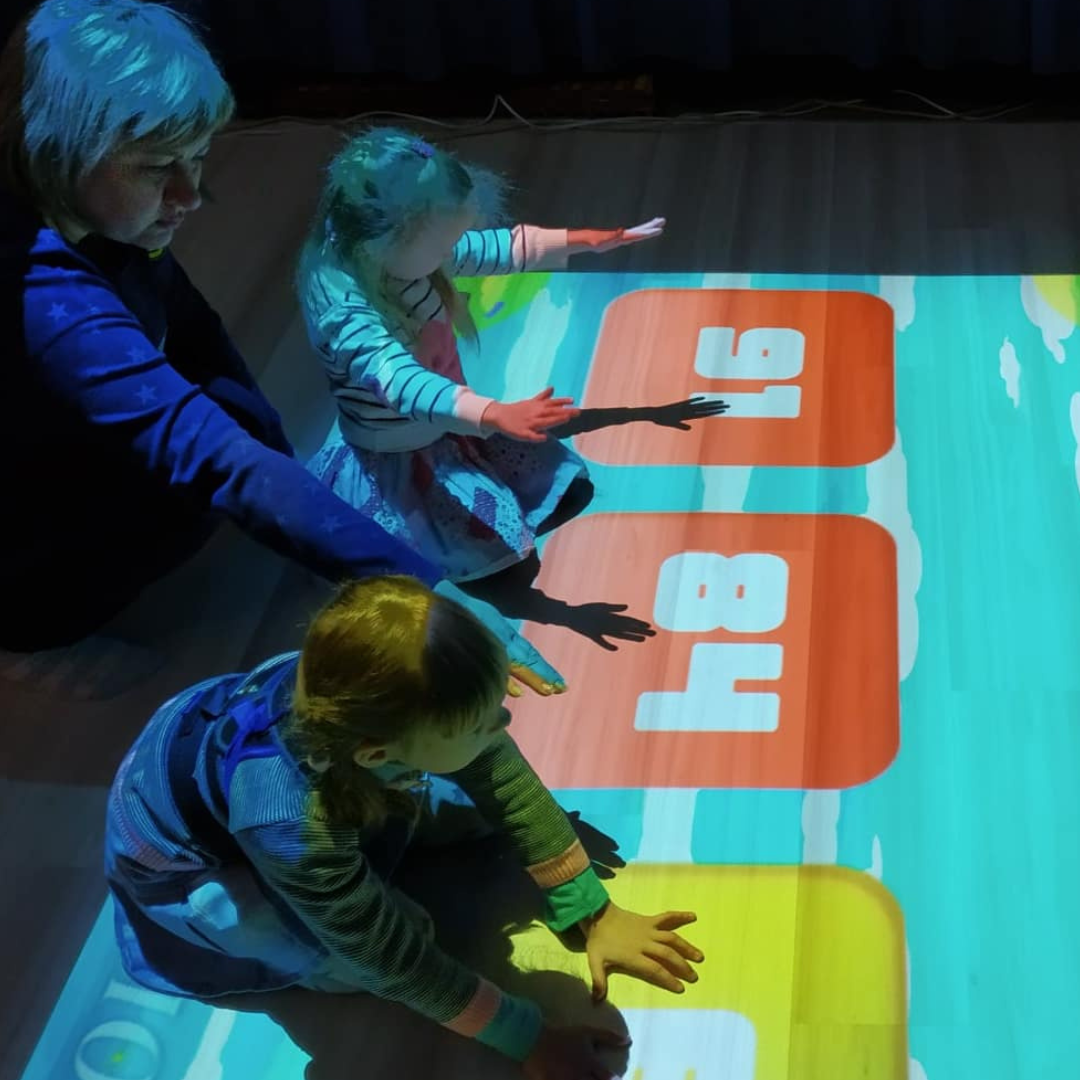
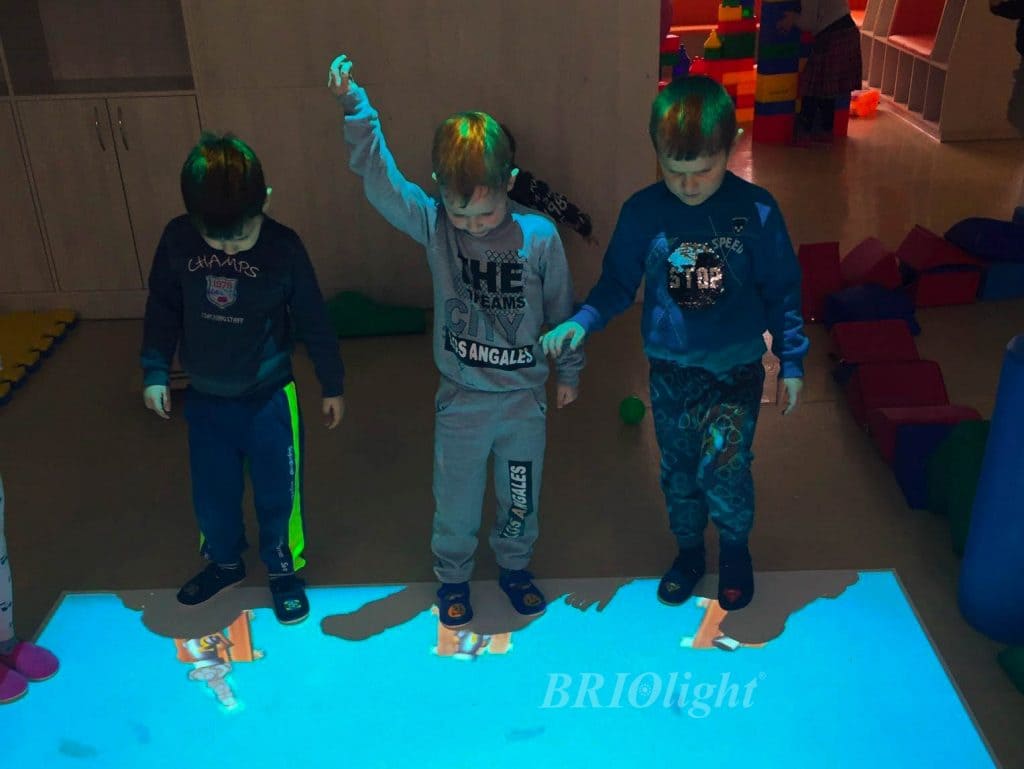
Review the content. The article described educational games and activities involving cognitive processes, coordination, praxis and movement. Check that the licensed applications support your teaching goals.
Assess optional equipment. Depending on the model, users could connect microphones, computers, balance equipment and fine- or gross-motor controllers. Extras were supplied separately.
Verify operating system and software. The original products included Android-based options and third-party apps. Availability, security updates and app compatibility change over time.
Ask about custom configurations. The 2020 article discussed larger custom displays by quotation. Confirm feasibility and pricing with Briolight.